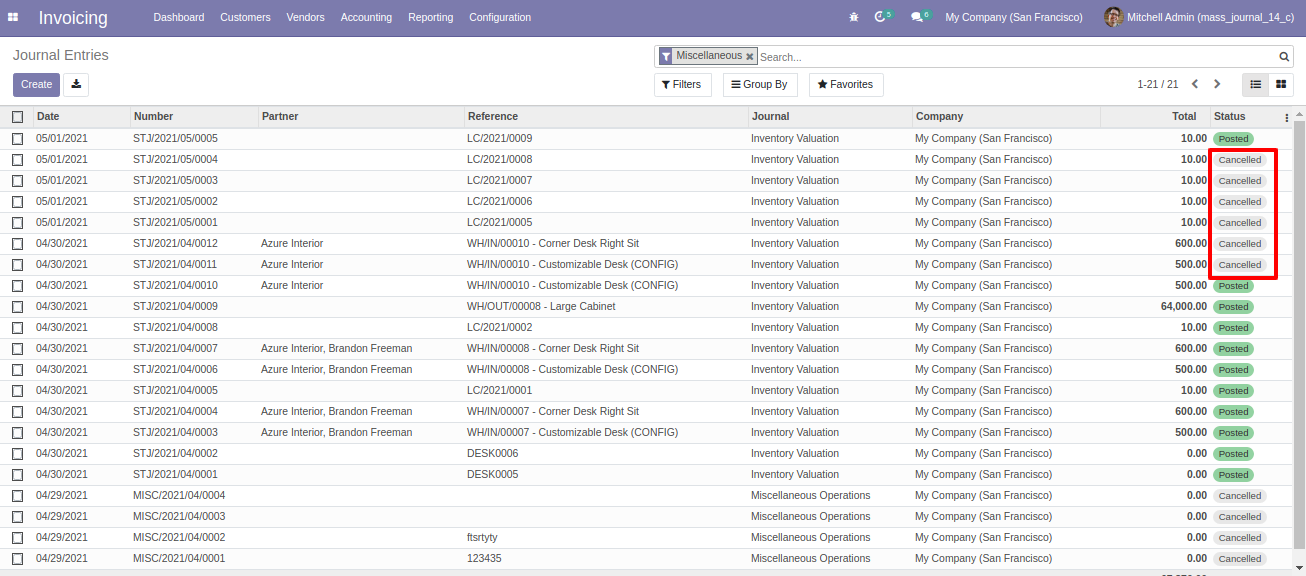
Invoicing > Accounting > Journal Entries. Select multiple records from tree view to cancel or delete journal entries.
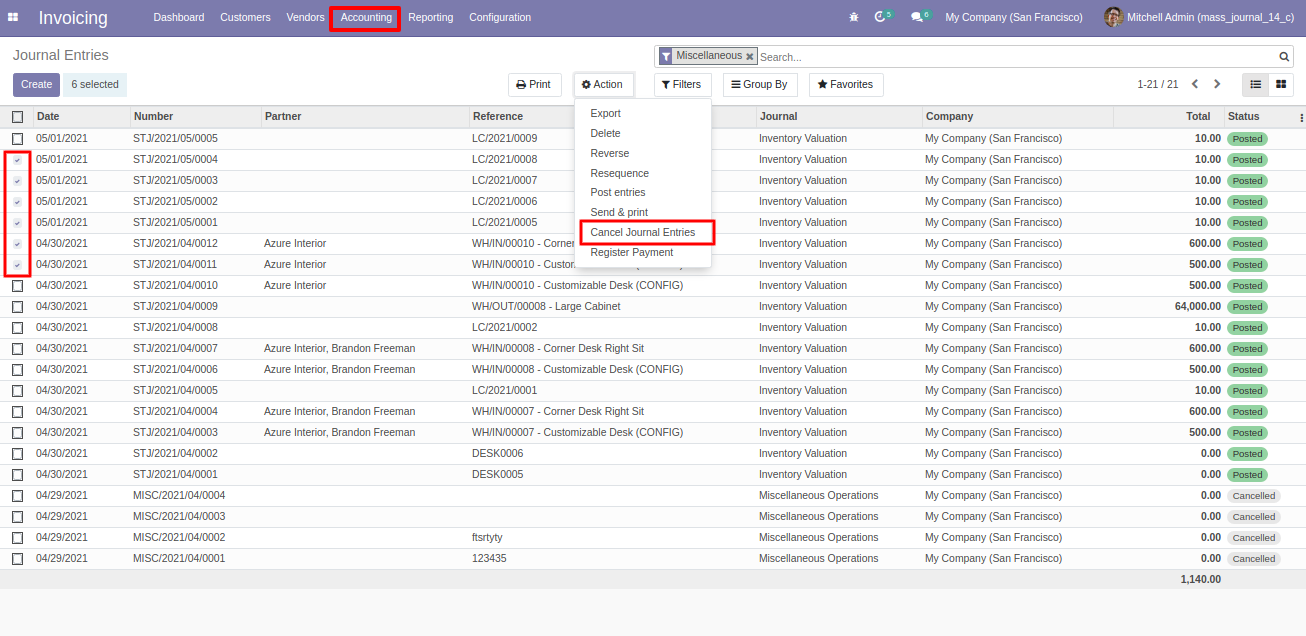
This module helps to cancel or delete multiple journal entries from the journal entries tree view.
Prerequisites before Installation
No prerequisites required.
Invoicing > Accounting > Journal Entries. Select multiple records from tree view to cancel or delete journal entries.
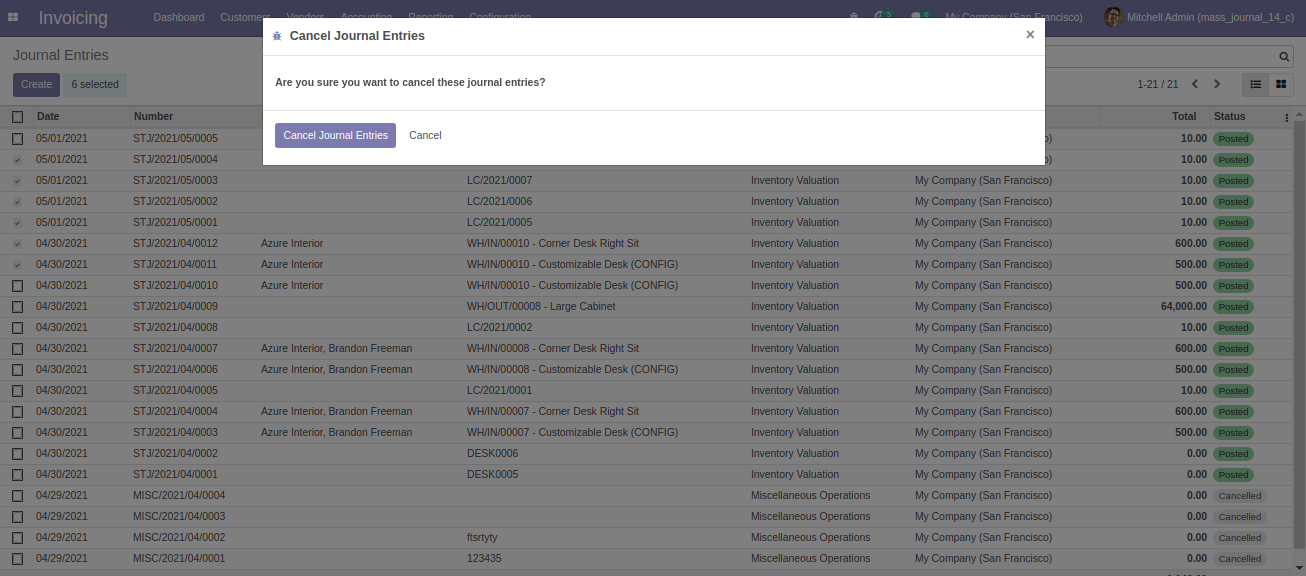
From wizard, click on "Cancel Journal Entries" to cancel selected entries.
Once the entries gets cancelled, their states gets changes to "Unposted".